How to Secure Personal Data on Smartphones in 2026: Essential Privacy Tips and Settings
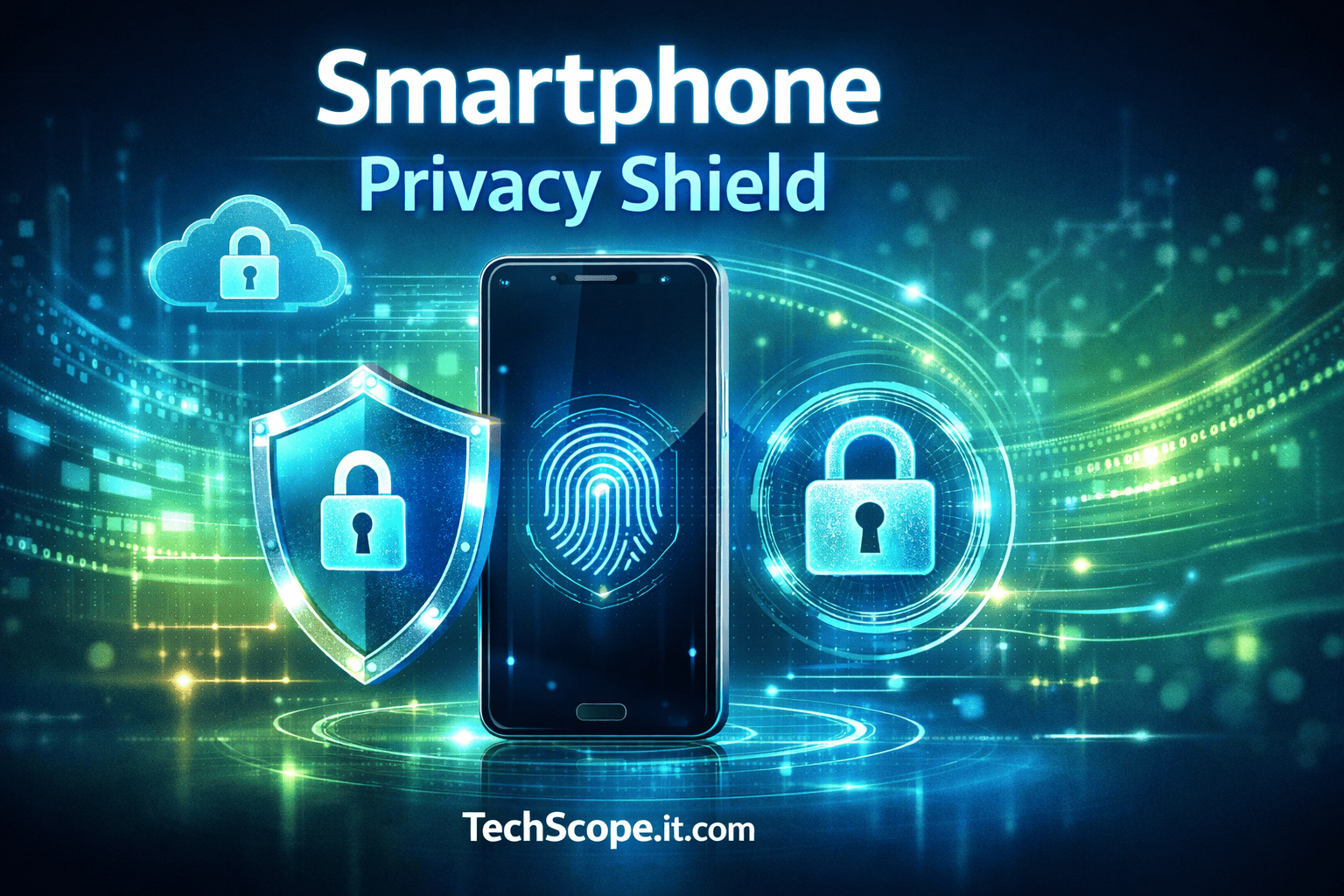
Smartphones in 2026 have become indispensable, storing personal, financial, and health data, making them high-value targets for cybercriminals. Securing your devices is no longer optional—it’s essential. Learning how to secure personal data on smartphones ensures privacy, prevents unauthorized access, and keeps your digital life safe. This guide provides actionable steps, expert insights, and real-world examples for comprehensive smartphone security.
Table of Contents
Understanding the Risks to Personal Data on Smartphones
Smartphones collect and transmit vast amounts of personal data, from GPS location and financial details to health and personal communications. These devices are constantly connected to apps, cloud storage, and IoT devices, increasing exposure to potential threats.
Common risks include:
- Data breaches and malware attacks targeting mobile operating systems and applications.
- Phishing attacks through malicious links in apps, emails, and messages.
- Unsecured networks such as public Wi-Fi or Bluetooth connections.
Many of these security risks align with broader cybersecurity strategies outlined in Cybersecurity Best Practices 2026, providing a robust framework for layered protection. For up-to-date reports on mobile vulnerabilities, check out Fortra Blog, which tracks the latest mobile security threats.
Essential Settings to Secure Personal Data on Smartphones
Configuring your smartphone correctly is the foundation of privacy. Proper settings help prevent unauthorized access and keep personal data safe.
Key settings include:
- Device encryption: Protects all stored data with advanced encryption methods.
- Strong authentication: Use complex PINs, passwords, or biometric methods like fingerprint or face recognition—especially for financial apps, as explained in our detailed guide on Digital Wallets & Biometric Payments 2026.
- App permissions management: Limit access to location, contacts, and camera for each app.
- Location and notification controls: Reduce tracking by turning off unnecessary location sharing and push notifications.
Optimizing these settings complements practices in Secure Smart Home Devices 2026, where layered defenses prevent unauthorized access. Additionally, Android users can find official guidance on managing these features at Android Save Battery & Security Tips, which also highlights privacy-focused configurations.
Best Practices for App Management and Data Privacy
Apps are a primary source of data exposure. Controlling app access and reviewing permissions is crucial to secure personal data on smartphones.
Recommended practices:
- Install apps only from trusted sources, such as official app stores.
- Regularly review permissions to prevent unnecessary data collection.
- Use VPNs and secure browsers for private and encrypted communication.
- Avoid excessive data sharing in apps and social platforms.
These app management strategies reflect principles in AI Gadgets for Home 2026, ensuring safe integration of connected devices. Experts on Fortra Blog also emphasize periodic audits to prevent unintentional leaks of sensitive data.
Network Security Tips for Smartphones
Smartphones connect to various networks, which can be exploited by attackers. Securing these connections is critical for protecting personal data.
Effective strategies include:
- Using VPNs for encrypted public Wi-Fi connections.
- Disabling auto-connect to unknown networks.
- Securing home Wi-Fi with strong passwords and WPA3 encryption.
- Monitoring network activity for unusual connections or traffic.
Network security tips align with the guidance in Secure Smart Home Devices 2026, ensuring both personal and IoT devices remain secure. For expert advice on mobile network protection, refer to Fortra Blog, which offers practical recommendations for everyday smartphone use.
Advanced Tools and Apps to Protect Your Data
Beyond default settings, specialized tools strengthen data security. Using these apps ensures robust defense against cyber threats.
Recommended tools:
- Password managers for strong, unique credentials.
- Security suites with anti-malware and anti-phishing protections.
- Encrypted messaging and email apps to safeguard communication.
- Device tracking and remote wipe utilities in case of loss or theft.
Incorporating these tools enhances practices mentioned in Cybersecurity Best Practices 2026, creating multiple layers of protection. Fortra Blog highlights top-rated security apps for maintaining data integrity.
Maintaining Data Security Long-Term
Securing your smartphone is an ongoing effort. Consistent monitoring, updates, and awareness are key to secure personal data on smartphones over time.
Long-term strategies include:
- Regular OS and app updates to patch vulnerabilities.
- Conducting periodic security audits to review permissions and access.
- Staying informed on emerging threats in mobile security.
- Backing up data securely to prevent permanent loss.
These practices align with ongoing device management strategies seen in AI Gadgets for Home 2026, ensuring both performance and security over time.
Frequently Asked Questions (FAQs)
Q1: How do I encrypt my smartphone data?
A: Use built-in encryption features available on iOS and Android devices, accessible via Settings > Security.
Q2: Can public Wi-Fi compromise my personal information?
A: Yes. Always use a VPN when connecting to public networks to protect your data.
Q3: How often should I review app permissions?
A: Every month or after installing new apps to ensure no unauthorized data access occurs.
Q4: Are VPNs essential for mobile security in 2026?
A: Yes. VPNs encrypt internet traffic and provide an additional layer of privacy and security.
Conclusion
Securing personal data on smartphones in 2026 requires a combination of correct device settings, privacy-conscious app usage, network security, and long-term maintenance. By following these steps and leveraging expert-recommended tools, users can protect sensitive information while enjoying the convenience of modern smartphones. Integrating these practices ensures peace of mind in an increasingly connected digital world.